Web-to-Print Designer Tool for Custom Products
Start your 30-day free trial today. You will not be charged during the trial period, and no payment will be processed unless you choose to continue after 30 days.
Resources
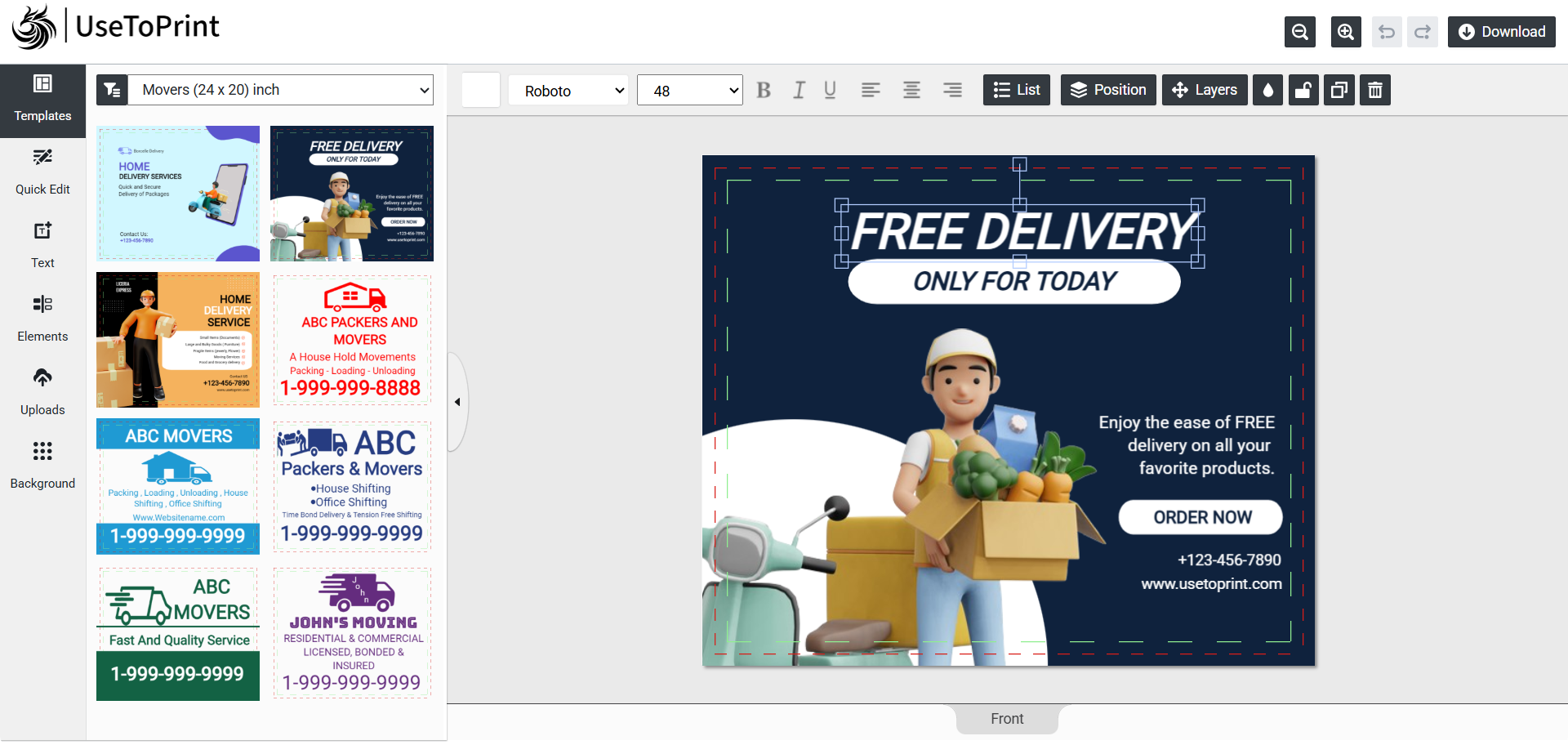
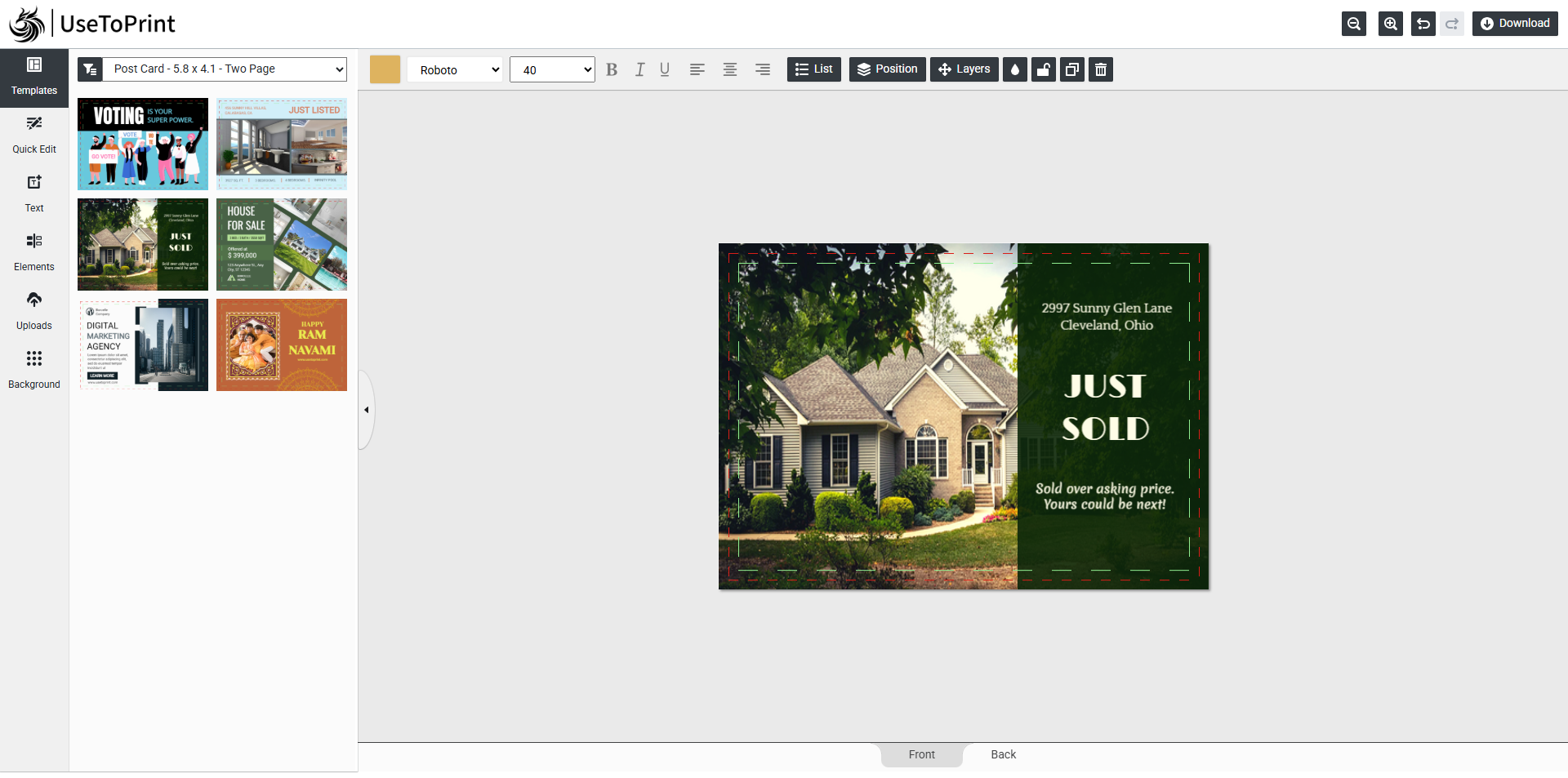
On the left side of the design editor, you’ll find all the tools and resources you need to bring your product to life. From here, you can easily add, edit, and customize different elements to create a design that perfectly matches your vision. Let’s explore each feature step by step.
Templates
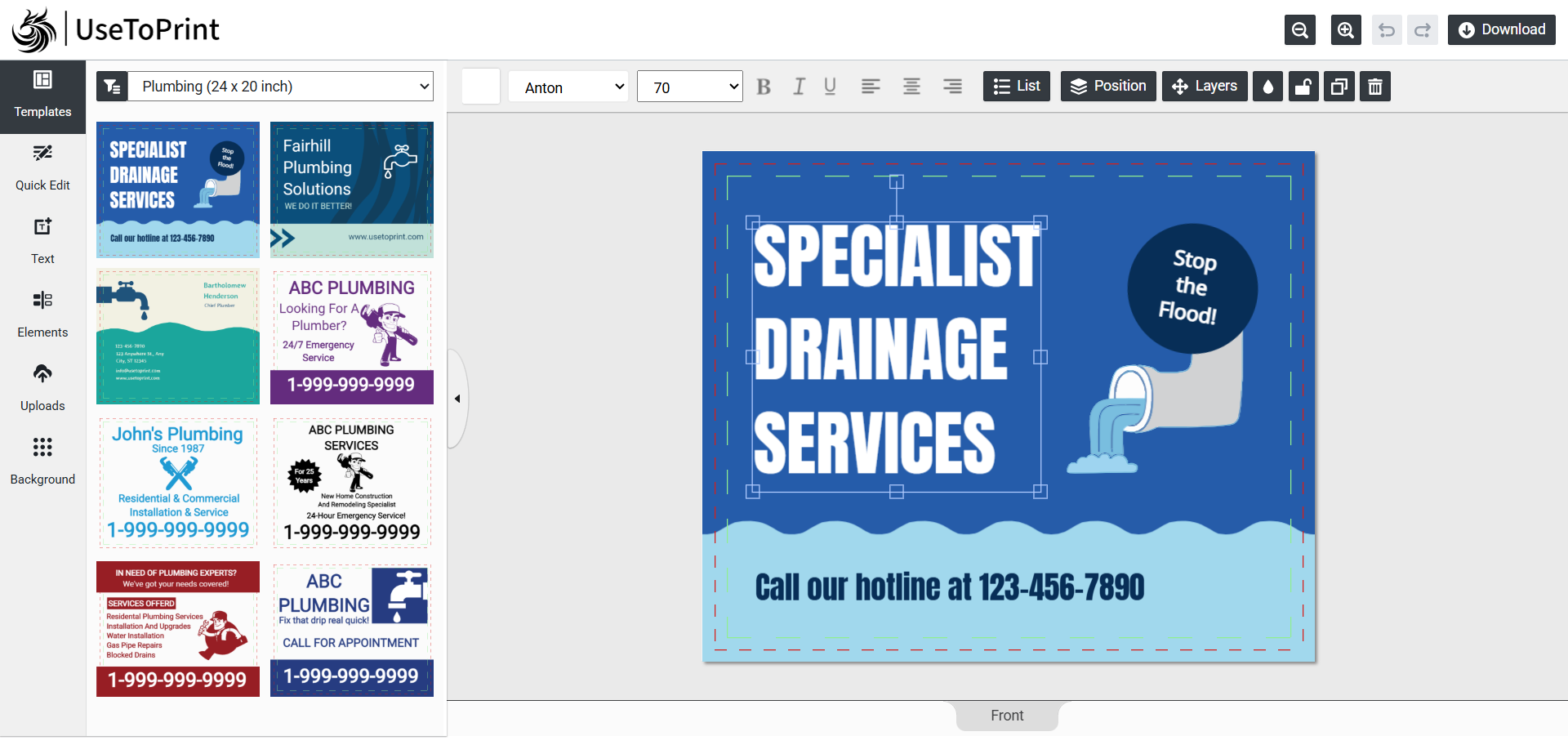
Access all your pre-designed templates in this tab. Easily browse and filter using categories and tags.
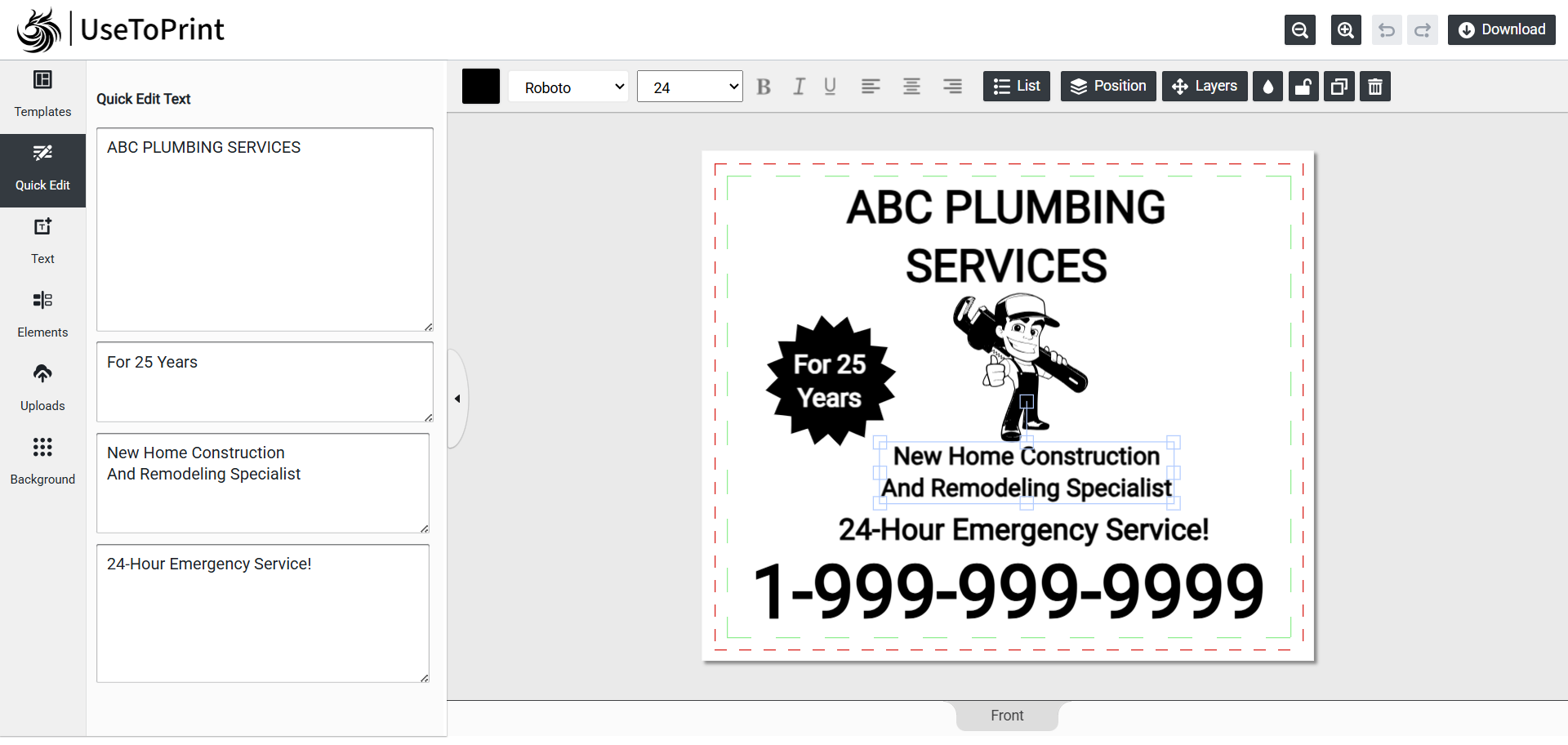
Quick Edit
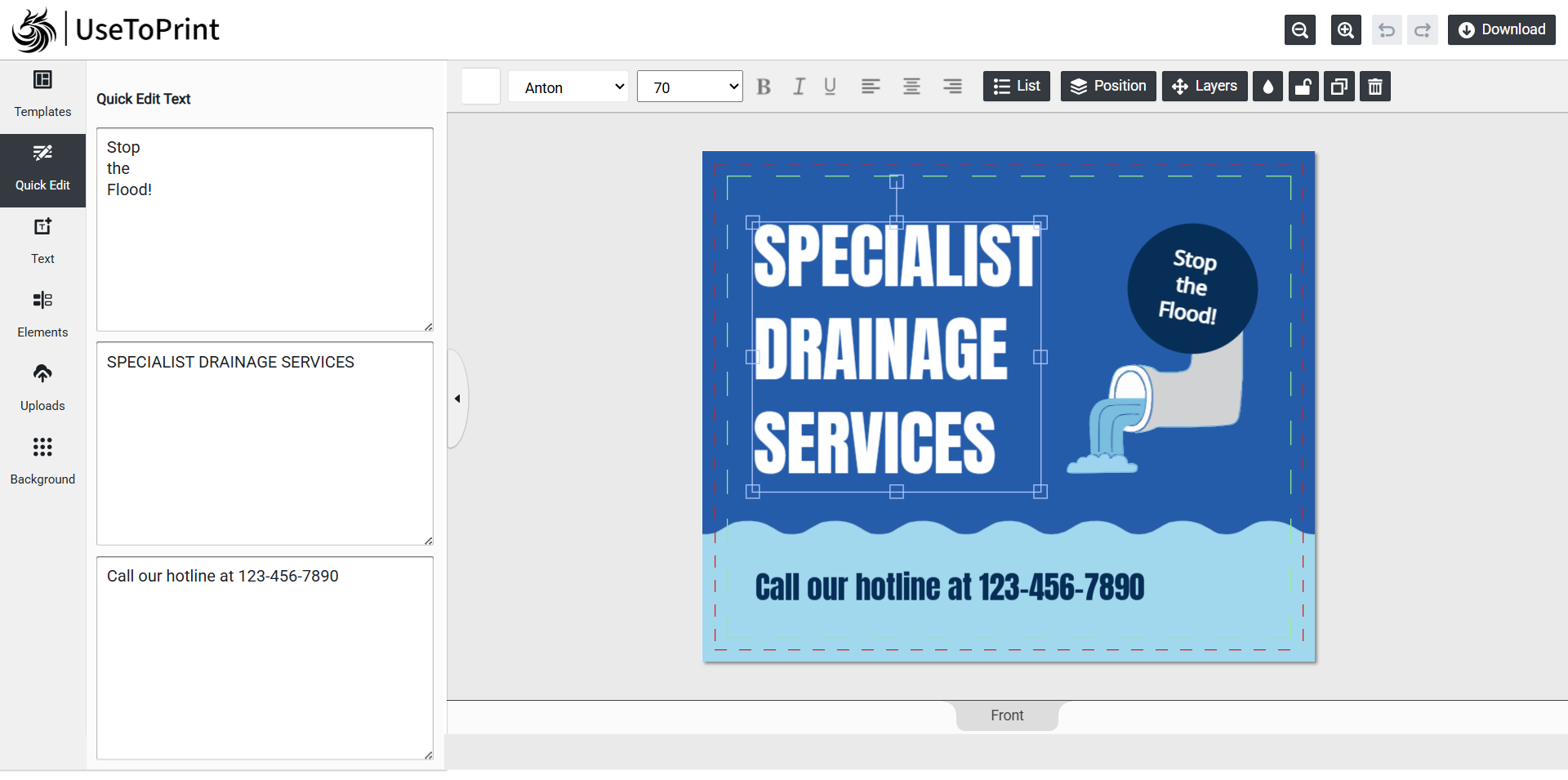
Quick Edit lets you instantly change the text in your template without navigating through template.
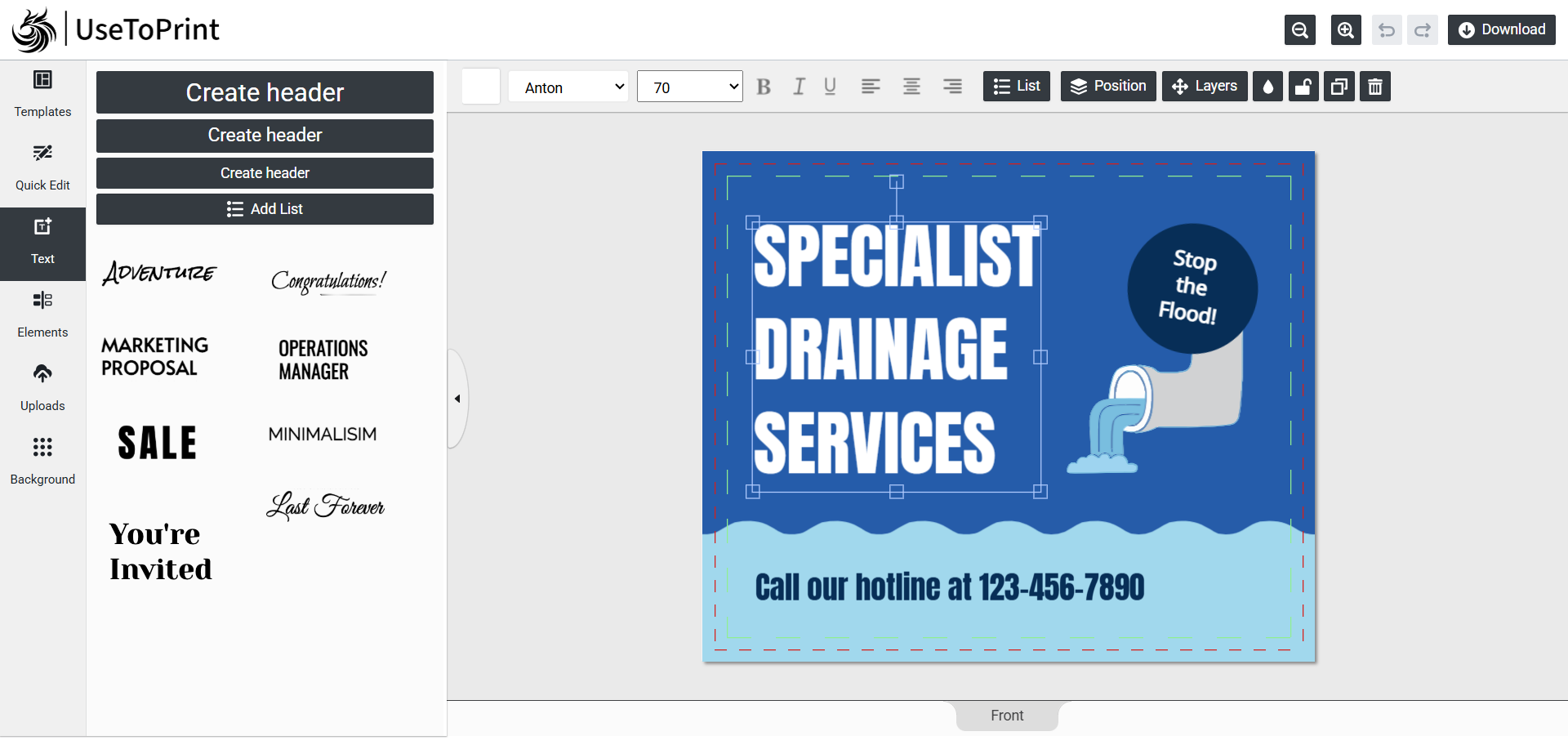
Text
The Text feature lets you add custom text to your templates. You can also create bullet points and other formatted text to highlight product details or features.
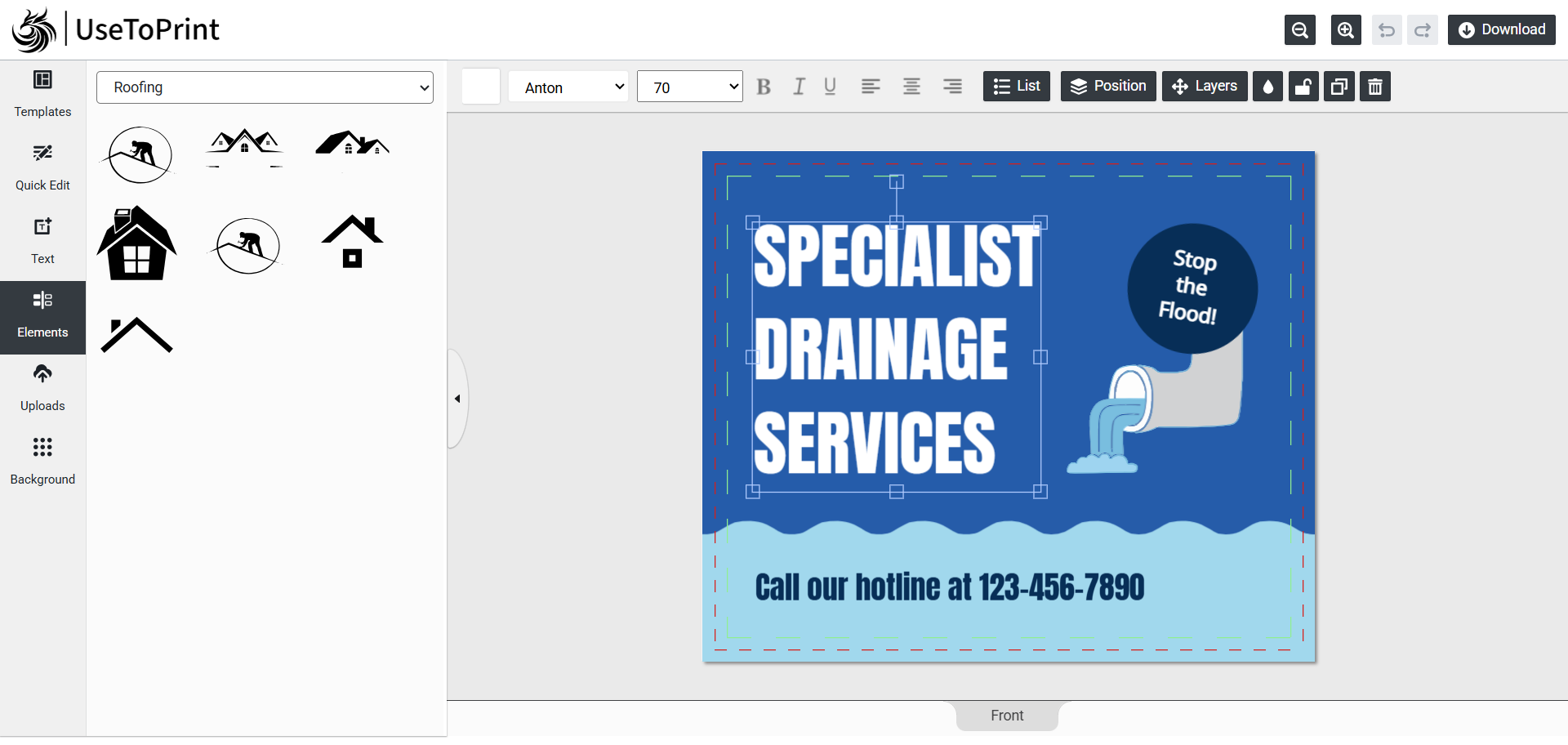
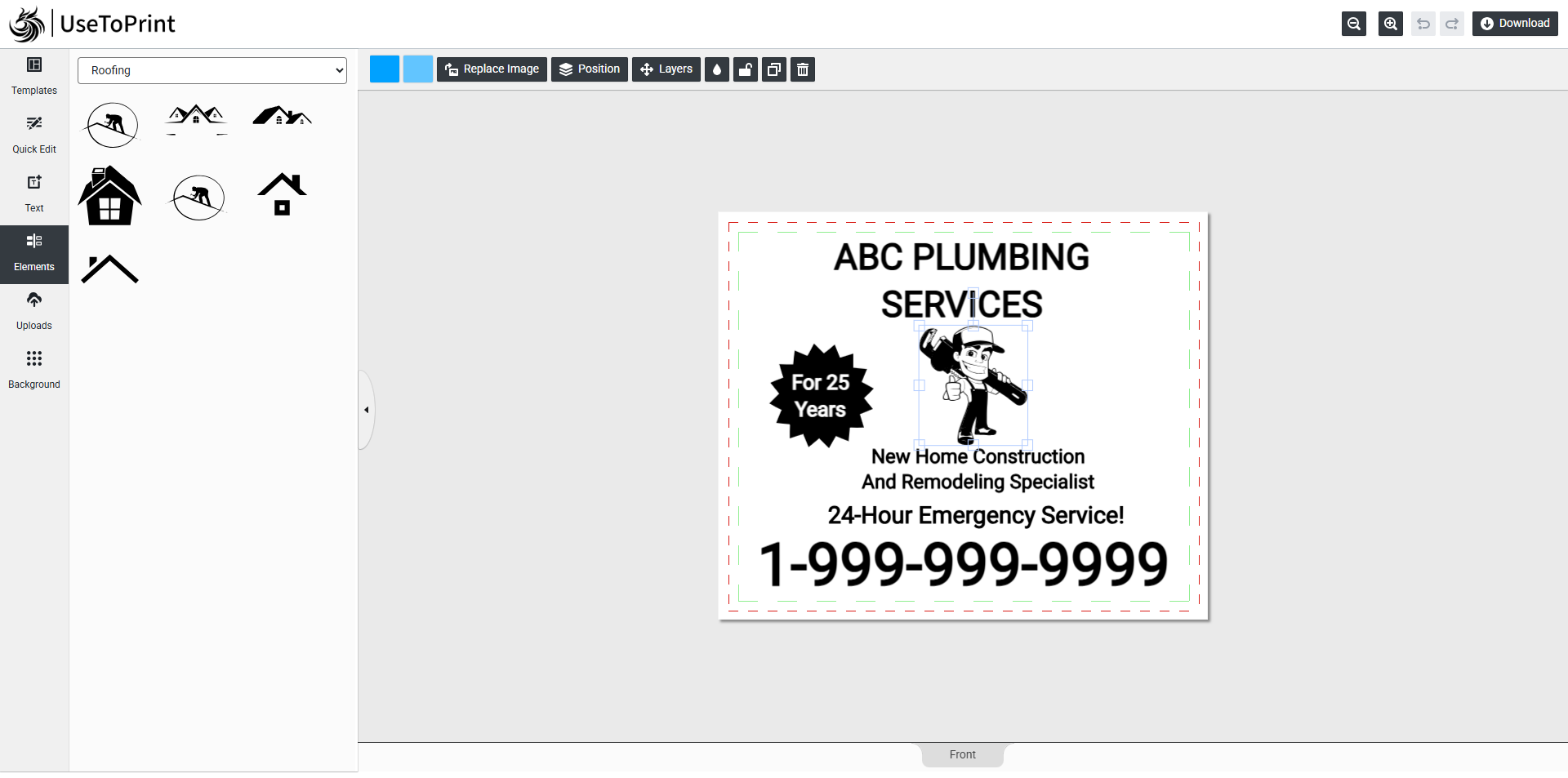
Elements
The Elements feature gives you access to pre-uploaded cliparts that you can add to your design. Easily browse and filter through categories to find the perfect cliparts.
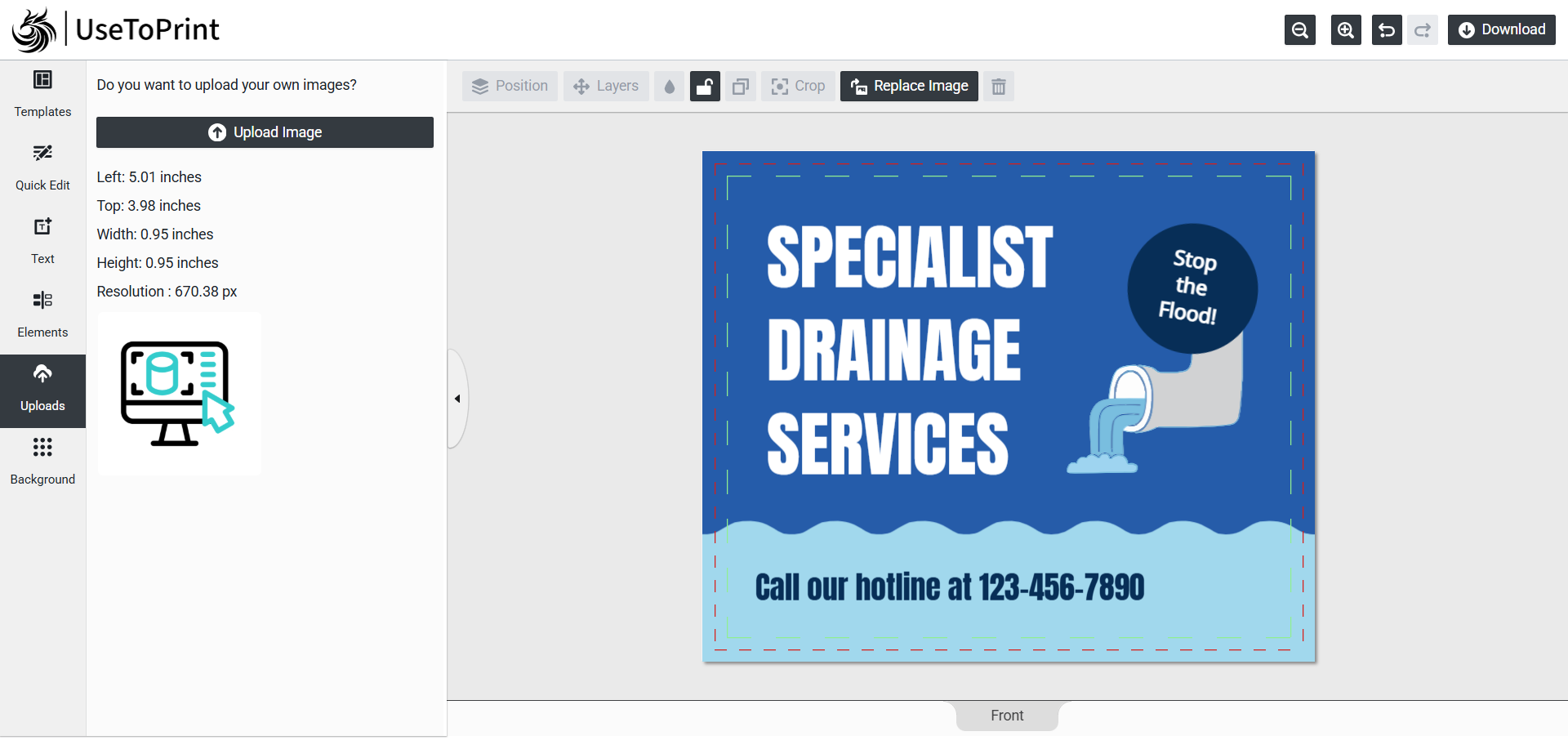
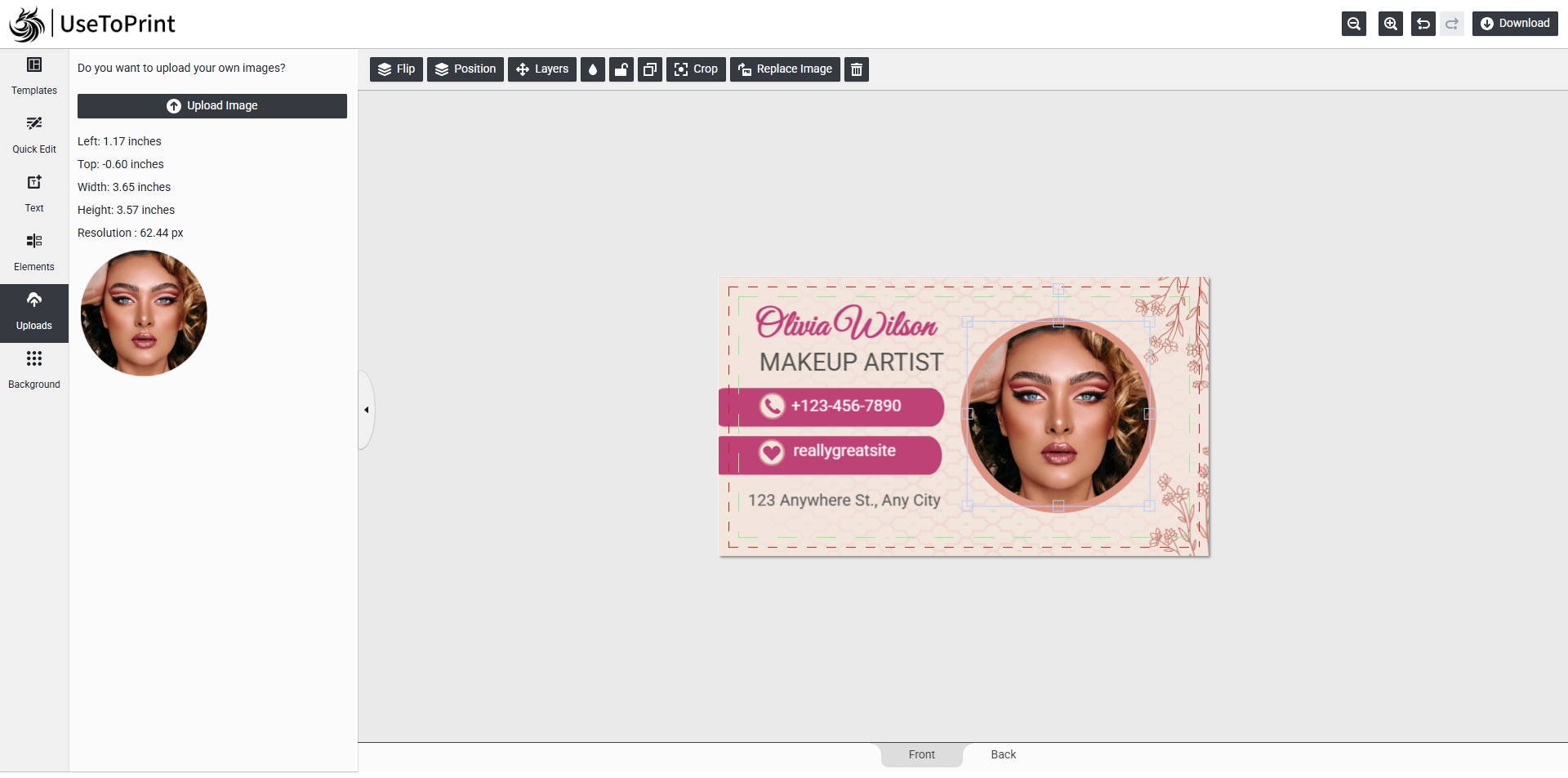
Uploads
The Uploads feature allows you to add your own images directly into the template. Once uploaded, you can check detailed information such as position (left, top), size (width, height), and resolution.
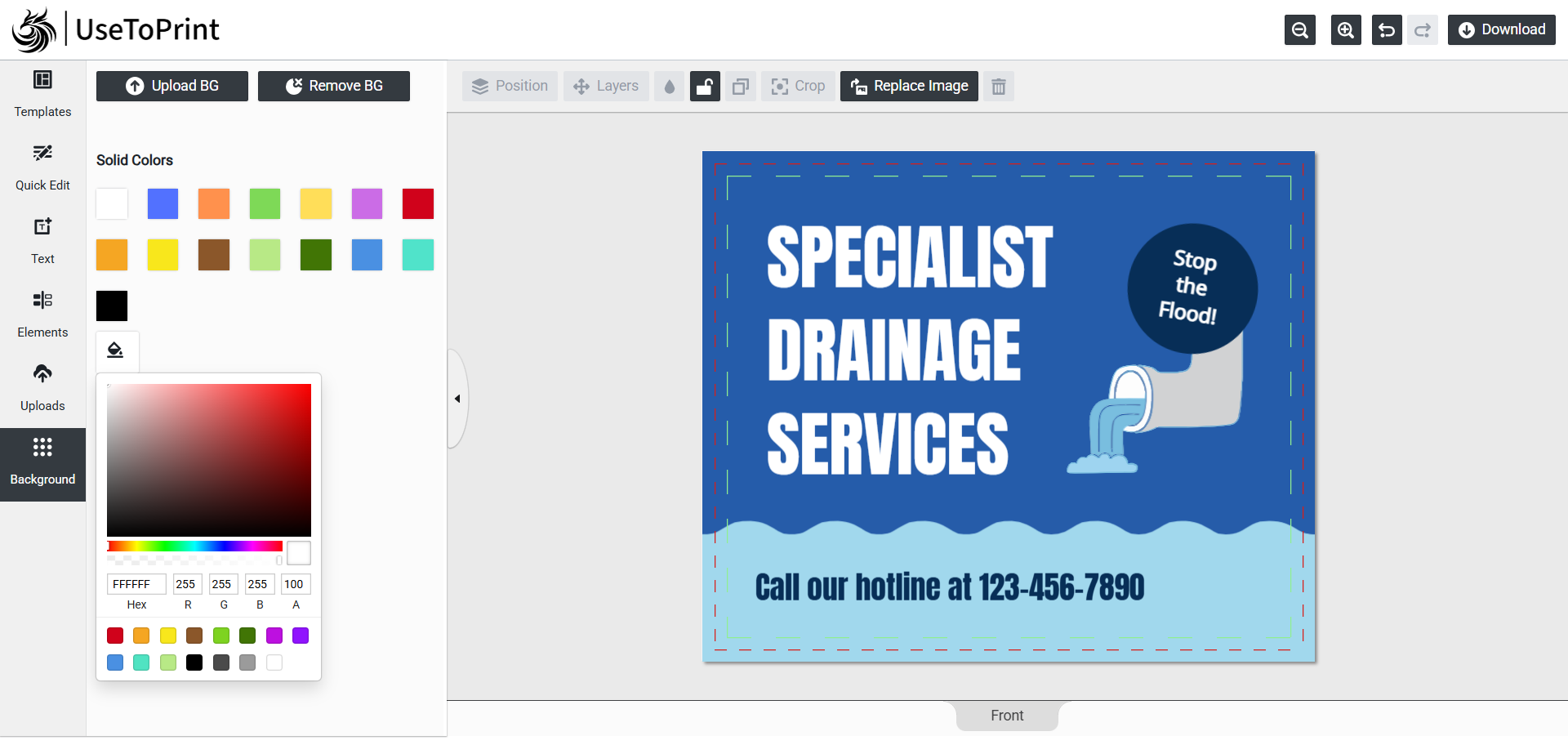
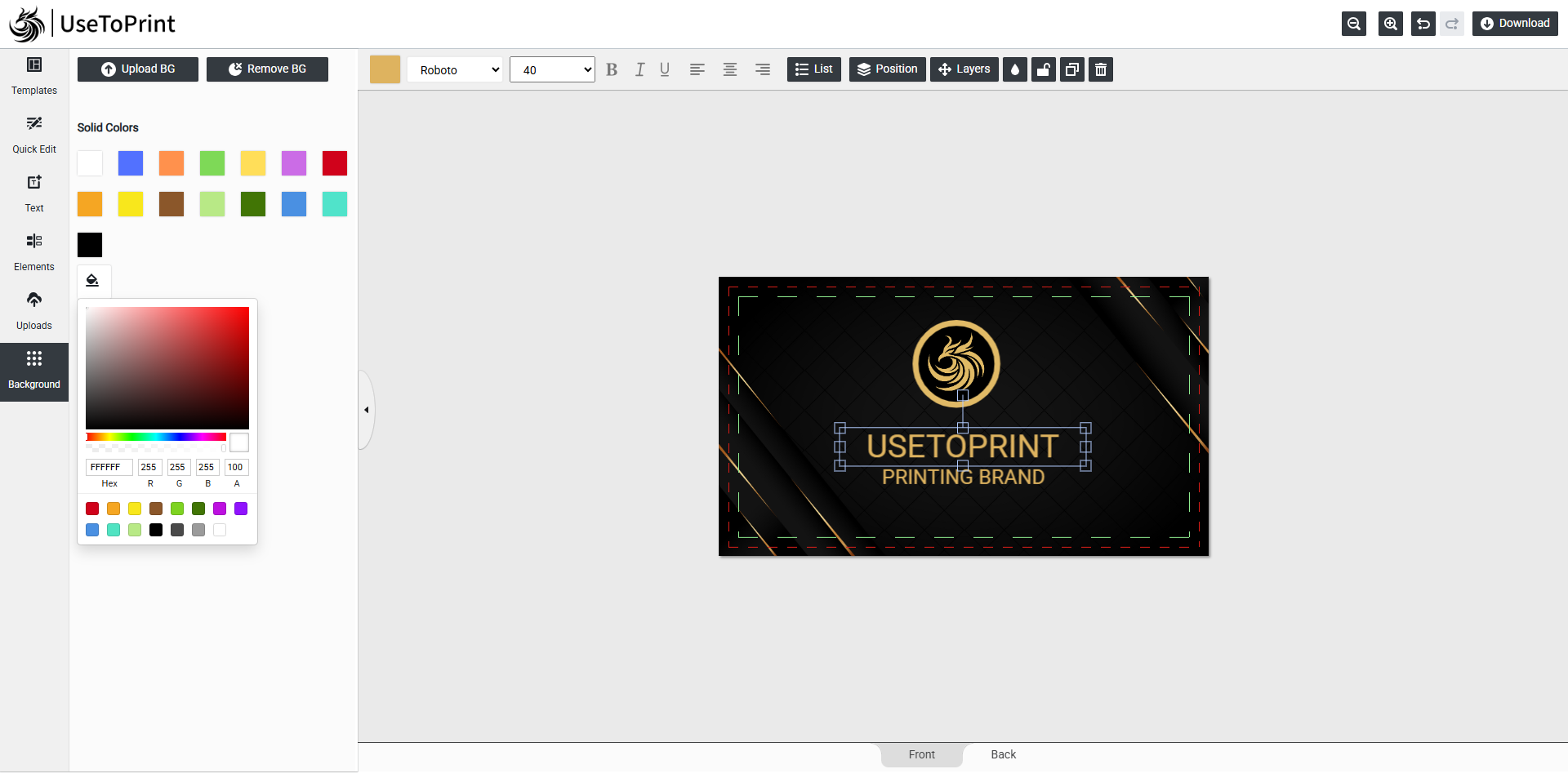
Background
The Background feature lets you manage the look of your design by setting a background color, adding a custom background image, or removing it entirely — giving you full control over your template’s backdrop.
Features List Of Design Area
This is the most important part of our editor. It is a preview for all added layers. Click on each layer to edit or drag the mouse to adjust all layers.
Text Editor
Our advanced text editor gives you full control to style and customize your content with ease:
- Use Quick Edit for fast changes
- Adjust font color to match your design
- Choose from multiple font styles
- Resize with flexible font size options
- Create structured lists with bullet points
- Apply bold, italic, or underline styling
- Align text left, right, or center with one click
- Position text anywhere — Left, Center, Right, Top, Middle, or Bottom
- Organize with layer management — move text up, down, forward, or backward
- Adjust transparency for custom visual effects
- Lock or unlock text to prevent unwanted edits
- Create duplicate text instantly with the same style
- Delete text elements when no longer needed
Cliparts Styling
Our advanced settings gives you full control to style and customize your cliparts with ease:
- Adjust cliparts and stroke color to match your design
- Resize with flexible by mouse drag
- Rotate cliparts by mouse drag
- Position cliparts anywhere — Left, Center, Right, Top, Middle, or Bottom
- Organize with layer management — move cliparts up, down, forward, or backward
- Adjust transparency for custom visual effects
- Lock or unlock cliparts to prevent unwanted edits
- Create duplicate cliparts instantly with the same style
- Delete cliparts when no longer needed
Image Styling
Our design tool settings gives you full control to manage images in your design:
- Flip image — horizontally & vertically
- Resize with flexible by mouse drag
- Rotate image by mouse drag
- Position image anywhere — Left, Center, Right, Top, Middle, or Bottom
- Organize with layer management — move image up, down, forward, or backward
- Adjust transparency for custom visual effects
- Lock or unlock image to prevent unwanted edits
- Create duplicate image instantly with the same style
- Easy to crop Image
- Easy to replace Image
- Delete image when no longer needed
Background Styling
Our advanced background setting gives you full control to style and customize your background with ease:
- Effortlessly customize the background color of your design
- Seamlessly apply a background image to enhance your layout
- Quickly remove backgrounds for a clean and professional look
Quick Setting
- Effortlessly manage multiple pages within your project
- Conveniently zoom in & out for precise editing
- Instantly undo or redo changes with ease
- Export your design changes in high-resolution images
Try us once, and you’ll love the experience.
Enjoy full access to every feature of our product.